Creating a relaxing home workspace is more important than ever as many people spend significant hours working remotely. A well-designed workspace can reduce stress, improve focus, and make your workday more enjoyable. Whether you’re setting up a new home office or reorganizing an existing area, these tips will help you build a productive, comfortable environment.
Choose the Right Location
Picking the right spot for your workspace sets the foundation for comfort and focus.
– Natural Light: Whenever possible, position your desk near a window. Natural light helps regulate your body’s internal clock and boosts your mood.
– Quiet Area: Select a place away from household noise, high traffic, or distractions.
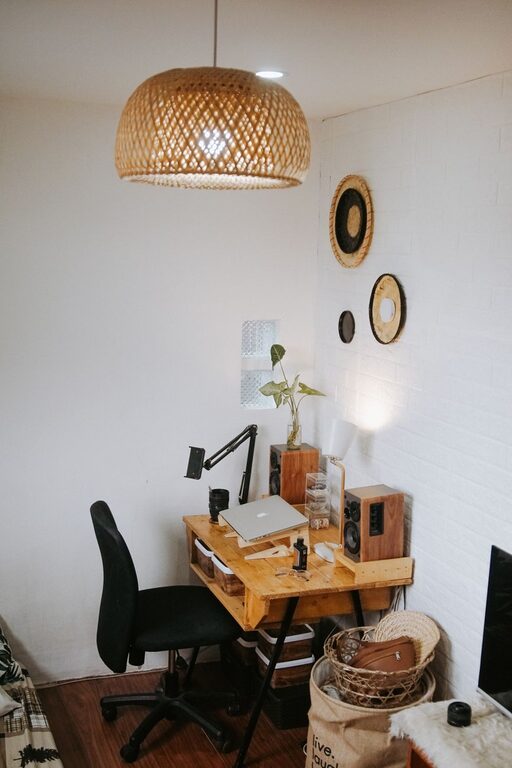
– Adequate Space: Ensure there is enough room for your desk, chair, and any equipment without feeling cramped.
Invest in Comfortable Furniture
Comfortable furniture supports good posture and reduces physical strain.
– Ergonomic Chair: Use an adjustable chair that supports your lower back. Consider adding a cushion or lumbar support if needed.
– Desk Height: Your desk should allow your arms to rest at a 90-degree angle while typing or writing.
– Foot Rest: If your feet don’t touch the floor comfortably, add a footrest to improve circulation and posture.
Declutter and Organize
An organized space helps reduce distractions and stress.
– Minimalism: Keep only essential items on your desk. Store other materials in drawers or shelves.
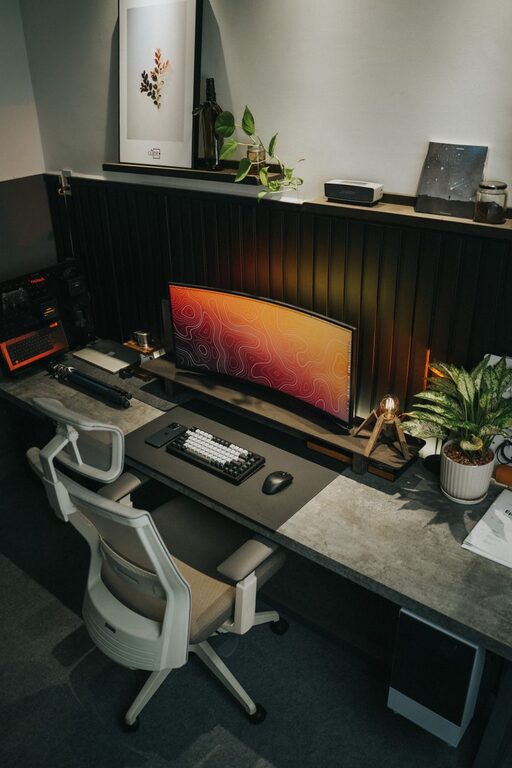
– Cable Management: Use clips, sleeves, or ties to keep wires neat and out of the way.
– Daily Cleanup: Take a few minutes at the end of each day to tidy your workspace.
Personalize Your Space
Adding personal touches can make your workspace feel inviting and motivating.
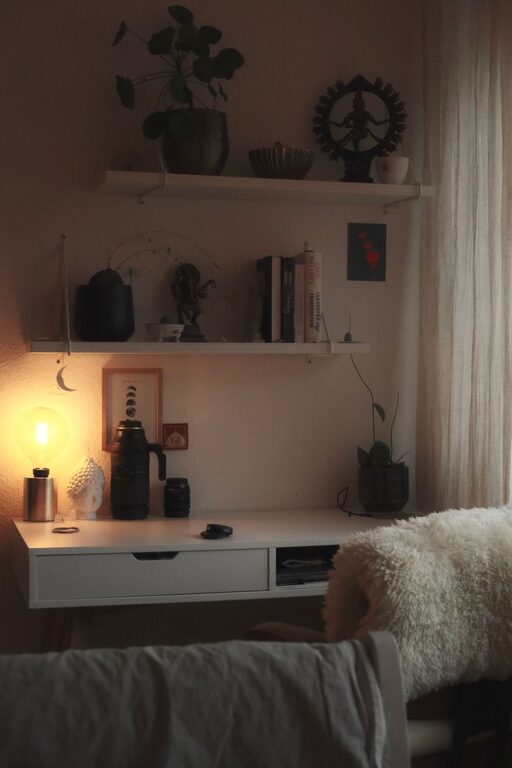
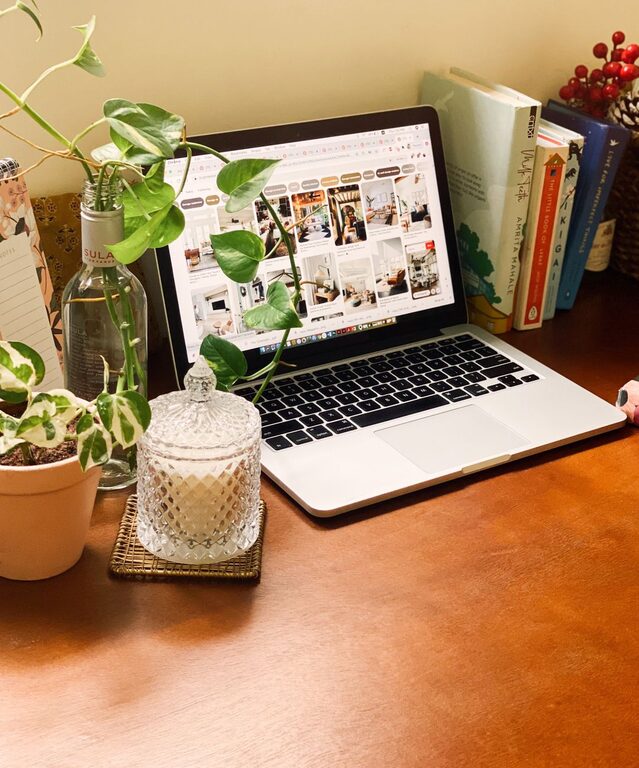
– Plants: Small plants not only add color but can also improve air quality and reduce stress.
– Artwork or Photos: Display images that inspire you or bring positive feelings.
– Soft Textiles: Use cushions or blankets to add warmth and comfort.
Optimize Lighting
Proper lighting can reduce eye strain and maintain alertness.
– Task Lighting: Use a desk lamp with adjustable brightness for focused activities.
– Avoid Glare: Position screens and light sources to minimize glare.
– Balanced Light: Aim for a mix of natural and artificial light that feels even and welcoming.
Manage Noise Levels
Sound can either boost focus or cause distractions.
– Soundproofing: Use rugs, curtains, or acoustic panels to absorb excess noise.
– Background Music: Play soft, non-intrusive music if it helps your concentration.
– Noise-Cancelling Headphones: Consider these if you work in a noisy environment.
Create a Routine and Break Area
Your workspace is not just where you work—it should support healthy habits.
– Regular Breaks: Stand, stretch, or walk around every hour to avoid fatigue.
– Break Area: If possible, have a separate spot to relax during breaks, away from your desk.
– Hydration Station: Keep water nearby to stay hydrated throughout the day.
Manage Technology Effectively
Technology can enhance productivity, but too much can cause overload.
– Essential Tools Only: Keep your workspace free from non-essential gadgets.
– Screen Setup: Position monitors at eye level to avoid neck strain.
– Digital Organization: Use apps and folders to keep files organized and accessible.
Air Quality and Temperature
Comfort includes the air you breathe and the room temperature.
– Ventilation: Open windows when possible or use air purifiers for fresh air.
– Temperature Control: Adjust the thermostat or use fans/heaters to maintain a comfortable temperature.
– Humidity: Use a humidifier or dehumidifier if necessary to keep the air balanced.
Final Thoughts
Creating a relaxing home workspace is a personal journey. It’s about finding the right balance between comfort and efficiency tailored to your needs. Start small by implementing a few of these tips, and adjust over time. With the right environment, your productivity can soar while keeping you comfortable and stress-free.
Remember, your workspace should be a place where you feel at ease and motivated to do your best work every day.